Best Free Video Editors for TikTok & Reels (2026)

Direct Answer: The Best Free Editors for TikTok & Reels in 2026
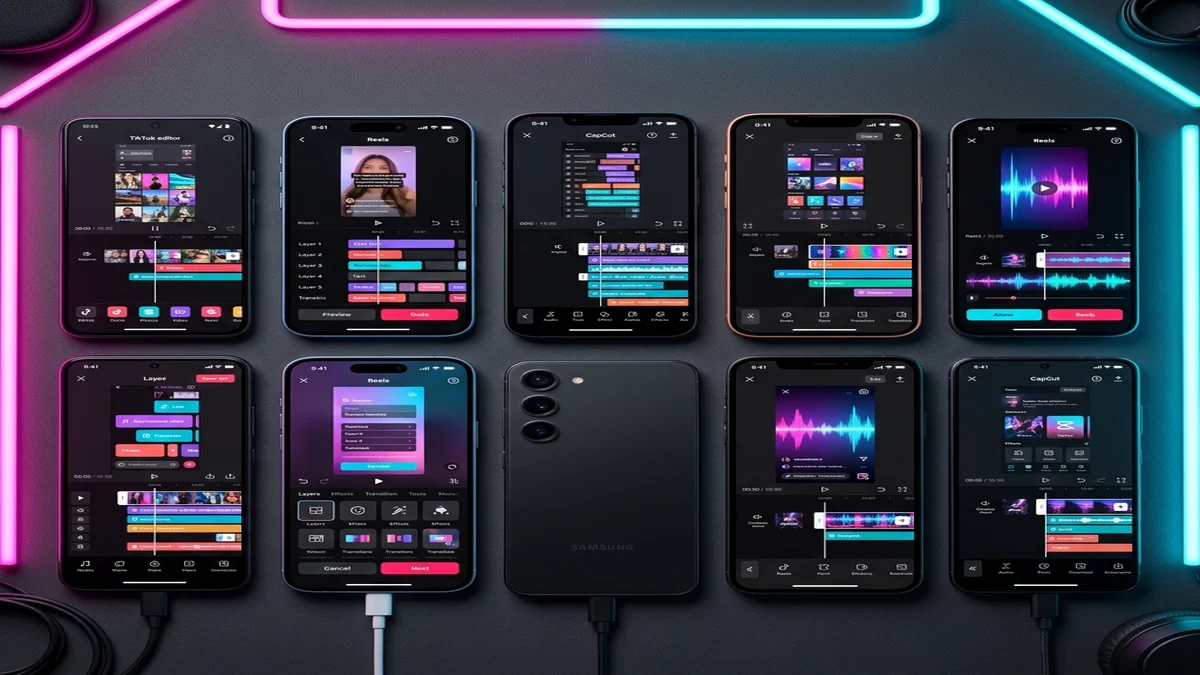
If you are creating vertical, short-form video content (9:16 aspect ratio) for TikTok, Instagram Reels, or YouTube Shorts, VN Video Editor (VlogNow) and InShot are the undisputed leaders in the free tier. While CapCut remains popular, its aggressive monetization has driven creators toward VN Editor for its entirely free, watermark-less 4K exports and advanced multi-track timeline, and toward InShot for its rapid canvas resizing and massive free sticker/font library. If you need powerful AI features like Auto Reframe and native Auto Captions without a subscription, Splice is the strongest freemium alternative.
Why Vertical Video Demands Specialized Editors
Standard desktop editing software (like Adobe Premiere or Final Cut) was built for horizontal 16:9 cinema. Social media algorithms in 2026 prioritize high-retention, high-velocity vertical edits. You need an editor built natively for mobile architecture that handles:
- Instant 9:16 Canvas Generation: Without pillarboxing or black bars.
- Beat-Syncing: Automated timeline cuts perfectly matched to trending audio.
- HEVC/H.265 Export: Ensuring high-quality uploads that don’t get compressed by Instagram’s servers.
1. VN Video Editor (The Professional’s Choice)
VN Video Editor is the closest true competitor to CapCut. It offers a professional, multi-layer timeline on both iOS and Android without restricting core features.
- Best Feature: 100% free watermark removal and 4K 60fps export.
- Advanced Capabilities: Keyframe animation using Bézier curves, custom .cube LUT imports for color grading, and precise Optical Flow for smooth slow-motion.
- Why it beats CapCut: You are not bombarded with “Pro” upgrade prompts every time you try to use a basic transition.
2. InShot (The Social Media Swiss Army Knife)
InShot is designed for speed. If you have horizontal footage that needs to be instantly formatted for a vertical Reel with a blurred background, InShot accomplishes this in two taps.
- Best Feature: The “Canvas” tool. Instantly swaps aspect ratios (1:1, 4:5, 9:16) with AI-driven background fill.
- Social Integration: Massive library of royalty-free vlog music, aesthetic fonts, and animated stickers designed specifically for high-engagement Instagram Reels.
- Watermark Rule: The free version has a watermark, but you can remove it simply by watching a 15-second ad—no subscription required.
3. Splice (The AI Auto-Editor)
Originally acquired by GoPro, Splice has evolved into a powerhouse for action-heavy TikToks and travel vlogs.
- Best Feature: Speed ramping. Splice offers the most intuitive interface for creating custom speed curves (fast-to-slow-to-fast) for dynamic montages.
- Audio Syncing: Automatically analyzes your imported music track and places visual markers on the timeline at heavy bass drops or snare hits, allowing you to cut exactly on the beat.
- Hardware Acceleration: Heavily optimized for Apple’s A-series and M-series chips, meaning rendering a 60fps HEVC file takes seconds.
Looking for CapCut PC? Read our technical breakdown on CapCut vs DaVinci Resolve to see which desktop editor is best for your workflow.
How to Maximize Quality on TikTok and Reels
Even if you use the best editor, incorrect export settings will ruin your video. Social media platforms compress files heavily. To combat this, follow these exact settings:
- Export Resolution: 1080p (Do not export in 4K for TikTok; the app will compress it aggressively, resulting in a blurry video. 1080p is the native ceiling).
- Frame Rate: 30fps or 60fps (60fps is ideal for gaming or fast motion).
- Codec: H.264 or HEVC (H.265). HEVC provides better quality at lower file sizes.
- In-App Settings: Before uploading, ensure “Allow High-Quality Uploads” is toggled ON in your TikTok or Instagram account settings.
Comparison Matrix: Best Editors for Reels
| Feature | VN Video Editor | InShot | Splice |
|---|---|---|---|
| Watermark Free | Yes (Always) | Yes (Via Ad Watch) | No (Paid tier required) |
| Multi-Track Timeline | Yes (Professional) | Limited (PiP only) | Yes |
| Auto Beat Syncing | Manual Markers | No | Yes (AI-driven) |
| Best Export Codec | 4K HEVC | 4K H.264 | 4K HEVC |