CapCut vs DaVinci Resolve: Which is Better for Desktop? (2026)

Direct Answer: CapCut PC vs. DaVinci Resolve
If you are choosing a desktop video editor in 2026, the decision comes down to your primary export platform. CapCut for PC is the undisputed champion for vertical, short-form social media (TikTok, Reels, Shorts), offering built-in viral templates, one-click Auto Captions, and instant aspect ratio conversion. However, if your workflow demands professional color science, 10-bit LOG footage processing, or complex audio mixing, DaVinci Resolve (Free Version) is the industry standard. Resolve provides node-based color grading and Fairlight audio post-production that CapCut cannot match.
Key Differences at a Glance
While both editors offer incredibly powerful free tiers, their underlying architectures target completely different demographics.
- Target Audience: CapCut targets social media managers and influencers. DaVinci Resolve targets filmmakers and professional YouTubers.
- Hardware Requirements: CapCut utilizes proxy generation to run smoothly on low-end hardware and laptops. DaVinci Resolve requires a dedicated GPU (e.g., NVIDIA RTX series) with at least 8GB of VRAM for smooth playback.
- Learning Curve: CapCut uses a magnetic, single-track timeline that is easy to master in hours. DaVinci Resolve uses a multi-page interface (Media, Cut, Edit, Fusion, Color, Fairlight, Deliver) that takes weeks to fully learn.
Where CapCut PC Wins
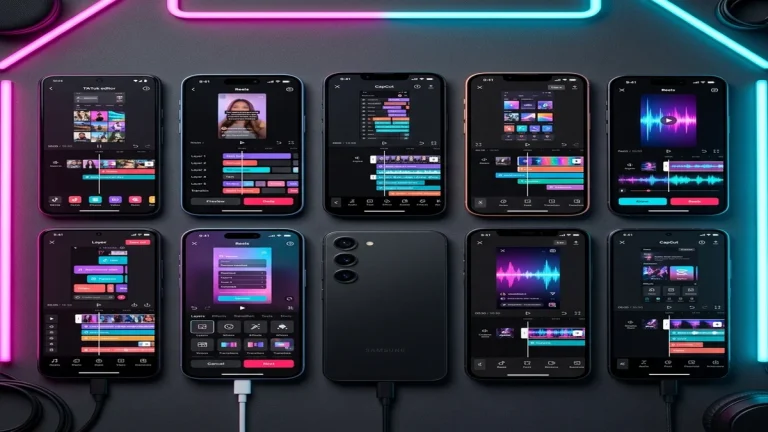
CapCut for Windows and Mac has aggressively captured the creator market by simplifying tedious tasks through AI integration.
1. Auto Captions & Text-to-Speech
CapCut’s transcription engine is arguably the fastest in the consumer market. It can transcribe a 10-minute video and apply dynamic, karaoke-style text animations in under 60 seconds. While Resolve 19 introduced auto-captions, CapCut’s stylized font presets are better suited for high-retention social media.
2. The AI Asset Library
CapCut provides direct access to ByteDance’s massive library of trending audio, sound effects, stickers, and transitions. You do not need to download third-party assets; everything is searchable within the UI.
3. Vertical Video Optimization
CapCut defaults to a 9:16 aspect ratio workspace and features “Auto Reframe,” an AI tool that keeps a moving subject centered when converting horizontal footage to vertical.
Need CapCut for Desktop? Follow our complete guide to Download CapCut Pro for PC safely.
Where DaVinci Resolve Wins
Developed by Blackmagic Design, DaVinci Resolve is used to edit Hollywood feature films. Its free tier offers an astonishing amount of professional power.
1. Node-Based Color Grading
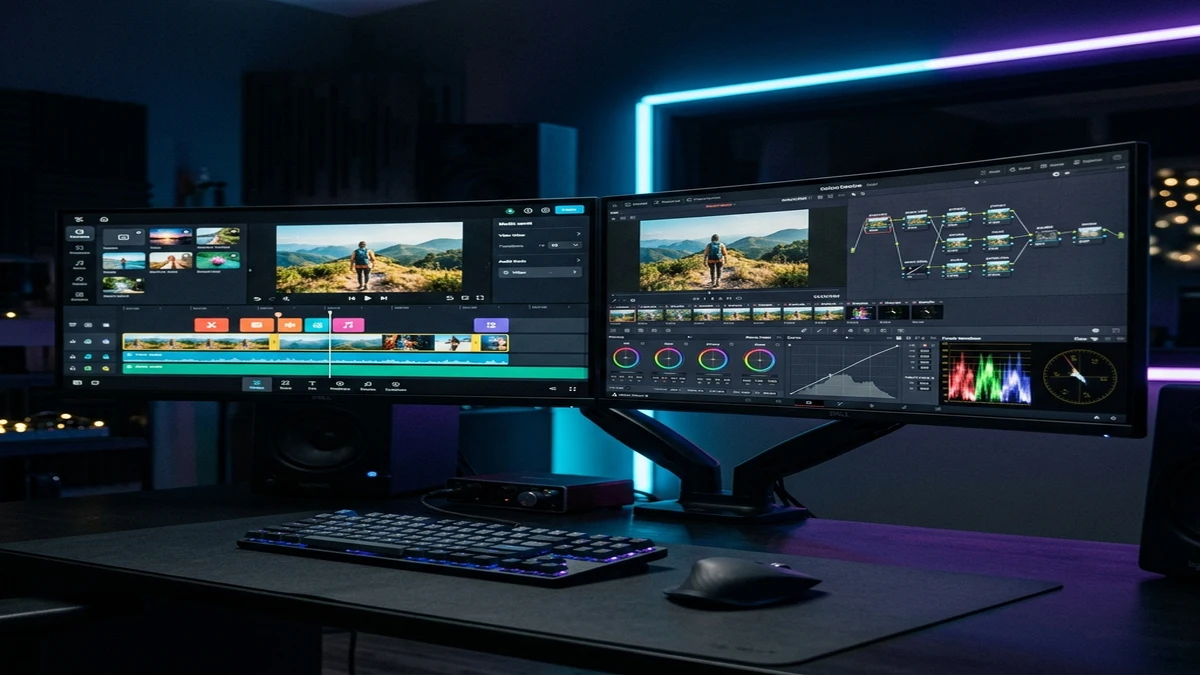
This is Resolve’s greatest strength. Unlike CapCut’s layer-based adjustment clips, Resolve uses a node tree. This allows editors to isolate specific colors (e.g., changing the hue of a shirt without affecting skin tones) using Power Windows and HSL Qualifiers. It fully supports Blackmagic RAW (BRAW) and 10-bit LOG profiles (like Sony S-Log3).
2. Fairlight Audio Engine
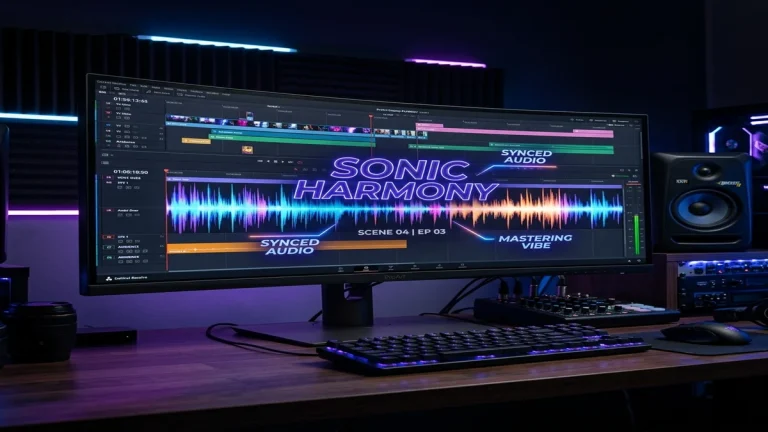
While CapCut offers basic noise reduction and volume sliders, Resolve’s Fairlight page is a complete Digital Audio Workstation (DAW). It supports VST plugins, complex EQ bands, sidechain compression, and sub-bus mixing.
3. Fusion Compositing
For advanced VFX, Resolve integrates Fusion. This node-based compositor allows for 3D motion tracking, green screen keying (using the Delta Keyer), and custom particle effects that go far beyond CapCut’s drag-and-drop filters.
Performance and Export Codecs
| Feature | CapCut PC | DaVinci Resolve (Free) |
|---|---|---|
| Maximum Export Resolution | 4K 60fps | 4K 60fps (Studio required for 8K) |
| Supported Export Codecs | H.264, HEVC (H.265), ProRes (Mac) | H.264, HEVC, ProRes, DNxHD |
| Hardware Acceleration | Yes (Auto-enabled) | Yes (Requires dedicated GPU) |
| Watermark | None (Unless using Pro features) | None |
Final Verdict: Which Editor Should You Use?
If you are editing gaming montages, vlogs, or TikToks, stick with CapCut PC. Its workflow speed is unmatched, and the AI tools will save you hours of manual labor. However, if you are editing a short film, a documentary, or high-end commercial work where color accuracy and audio fidelity are paramount, DaVinci Resolve is the only logical choice.