
CapCut vs InShot vs VN Editor: Which is the Best Video Editor?

Direct Answer: Which App Should You Choose?
When comparing CapCut, InShot, and VN, CapCut is the most feature rich option for social media content creation, especially regarding advanced effects and automation. InShot offers a more straightforward experience for quick edits and social media resizing, while VN Editor serves as a reliable, watermark free alternative for creators who prefer a traditional, multi track timeline interface on mobile devices.
CapCut, developed by ByteDance, is a robust multimedia video editor available across Android, iOS, PC (Windows and Mac), and Web platforms. As you navigate the crowded field of mobile and desktop video editing, understanding how these three giants compare is essential to streamlining your workflow.
Key Takeaways
- CapCut is the best for advanced effects, auto captions, and social media trends.
- InShot is ideal for simple, fast adjustments and social media ready aspect ratio changes.
- VN Editor provides a clean, professional feeling timeline for those who dislike cluttered interfaces.
- All three apps are compatible with major mobile operating systems, but CapCut offers the most comprehensive cross platform ecosystem.
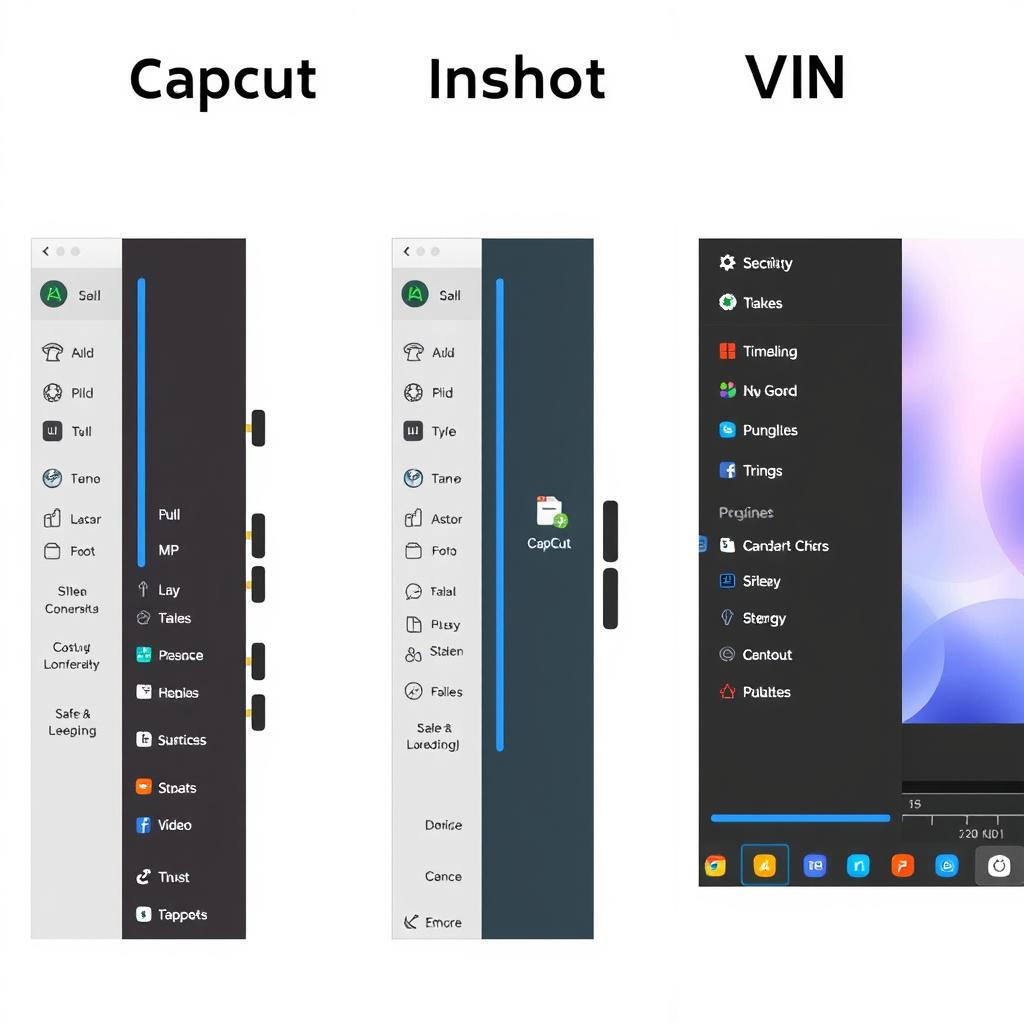
CapCut vs InShot vs VN: Feature Comparison Table
| Feature | CapCut | InShot | VN Editor |
| Multi track Timeline | Yes | Basic | Yes |
| Auto Captions | Advanced | Limited | Manual/Basic |
| Keyframe Animation | Yes | Limited | Yes |
| Background Removal | Yes | Basic | No |
| Cross Platform | Yes (Web, PC, Mobile) | Mobile Focused | Mobile Focused |
Why Choose CapCut for Your Workflow?
CapCut has become the industry standard for short form content due to its integration with TikTok and its wide library of creative assets. Whether you are using it onCapcut For Pc Downloadversions or mobile apps, the engine is designed for speed. Its intelligent features, such as background removal and text to speech, allow users to accomplish in seconds what used to take hours of manual editing.
If you are looking to master these tools, check out our guide onCapcut Features How To Useto get started with advanced keyframing and stabilization.
Best Choice by Creator Type
- For TikTok and Reels Creators:CapCut is the clear winner because of its massive library of trendy transitions, templates, and high quality auto captioning tools.
- For Quick Social Media Posts:InShot is preferred by creators who need to quickly resize videos for Instagram, crop content, and add music without dealing with complex layer management.
- For Precise Editing:VN Editor is the choice for creators who want a professional, intuitive, and cleaner timeline experience that allows for manual control over every frame without the clutter of AI generated assets.
Your Daily Video Editing Workflow Checklist
- Organize Assets:Collect your raw video clips and audio files in one folder on your device.
- Select Your Tool:Use CapCut for heavy effects, VN for manual timeline precision, or InShot for simple cuts.
- Edit the Foundation:Trim your clips to follow a clear narrative flow using a multi track timeline.
- Enhance Audio:Ensure your speech is clear. UseCapcut Best Settingsfor audio export to maintain quality.
- Final Review:Watch the video at full volume to check for sync errors before exporting.
Are There Any Usage Limitations?
While these tools are powerful, users should be aware of regional and platform constraints. For instance, theCapcut Ban Statuscan fluctuate based on local government regulations regarding international apps. Additionally, while mobile versions are often free, certain premium assets or high end cloud features may require Pro subscriptions. Always ensure you are downloading apps from official stores or verified sources to maintain device security.
Frequently Asked Questions
Is CapCut better than VN Editor for professional editing?
CapCut offers more automated, AI driven features, while VN Editor offers a cleaner, more traditional editing experience. The "better" choice depends on whether you value speed and trendy effects (CapCut) or manual control and minimalism (VN).
Can I use these editors on my PC?
CapCut has an official desktop application for Windows and Mac. InShot and VN are primarily mobile first applications, though they can sometimes be run on desktop environments via emulators.
Do these apps add watermarks to videos?
CapCut allows you to delete the ending clip that contains the watermark. InShot typically requires watching an ad to remove the watermark for free, while VN Editor is known for having no watermarks in its standard export.
Which app is best for beginners?
InShot is widely considered the most intuitive for beginners who want to edit clips, add text, and change aspect ratios without a learning curve.
Conclusion
Selecting the right editor is the first step toward creating high quality content. While CapCut leads in features and AI integration, InShot and VN Editor remain excellent alternatives depending on your specific needs. Start testing your workflow today and see which platform best fits your creative rhythm.
Still struggling to choose? Visit ourCapcut Vs Inshot Vs Vndeep dive for more technical comparisons.
Which editor fits your workflow?
- Short form, trend led edits:CapCut keeps you fast with templates, effects, and polish.
- Minimal steps and fast exports:InShot is the simplest path for reliable edits.
- Design heavy social content:VN shines when visuals and brand assets matter most.
Practical decision rules, no guesswork
- If you need a template driven workflow every week, default to CapCut.
- If you hand edits off to a teammate or need shared assets, default to VN.
- If you only need trims, captions, and exports, InShot is enough.
Quality checklist before you export
- Keep key text inside safe margins so it is not cropped on phones.
- Check captions for timing and readability, short lines work best.
- Listen with headphones and reduce music volume under voice.
- Export one test clip, review on a phone, then finalize the batch.
![How to Fix CapCut ‘No Internet Connection’ Error [2026 Guide]](https://capcutpro-apks.com/wp-content/uploads/2026/06/network_error_featured-1-768x403.webp "How to Fix CapCut 'No Internet Connection' Error [2026 Guide] 4")
![CapCut AI Editing Guide: How to Use Voice Cloning, Neural Masking & Dreamina [2026]](https://capcutpro-apks.com/wp-content/uploads/2026/06/capcut-ai-features-guide-dreamina-voice-cloning-featured-768x403.jpg "CapCut AI Editing Guide: How to Use Voice Cloning, Neural Masking & Dreamina [2026] 5")
![How to Fix CapCut ‘Not Available in Your Country’ [iOS & Android Guide]](https://capcutpro-apks.com/wp-content/uploads/2026/06/country_restriction_featured-768x403.webp "How to Fix CapCut 'Not Available in Your Country' [iOS & Android Guide] 7")
![CapCut Pro APK v9.8.0 & Old Versions: Safe Download & Rollback Guide [2026]](https://capcutpro-apks.com/wp-content/uploads/2026/06/old_versions_featured-768x403.webp "CapCut Pro APK v9.8.0 & Old Versions: Safe Download & Rollback Guide [2026] 8")